A few updates on the Recent Mistakes Flashcard Widget. They say you shouldn’t pick favorites with your children, but I think this one’s my favorite. After finishing a Review session, running through these real quick is a game changer that makes a difference a day or two later when you see these items in your Reviews again. You know which widget I’m talking about? It’s this one:
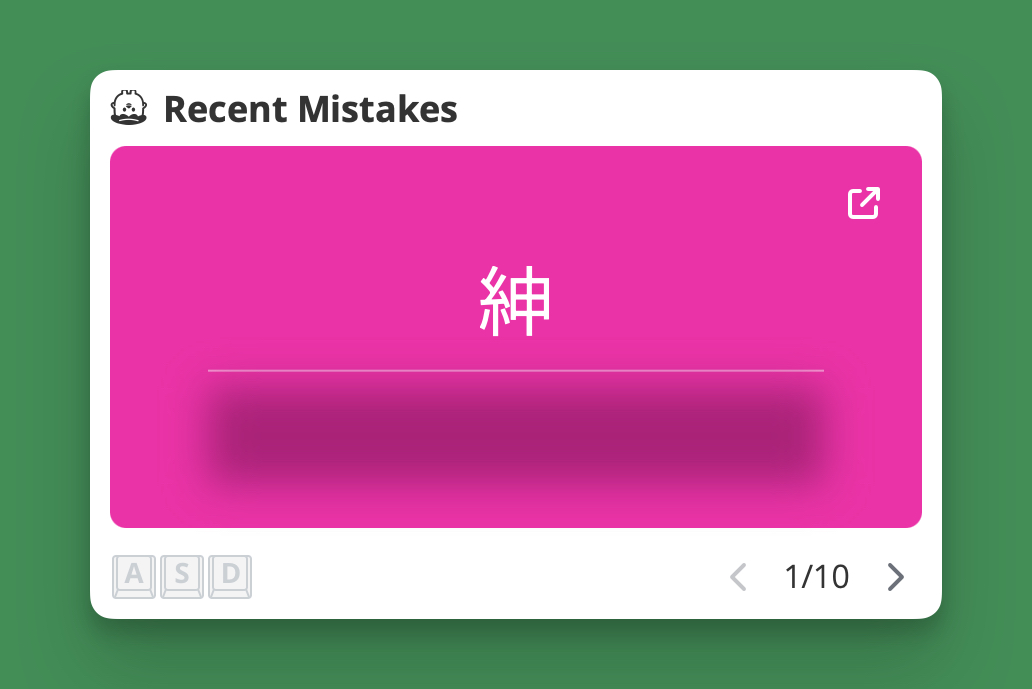
We made a few changes to make it even better:
- We added a link on the top-right corner of each card that will take you to the detailed item page.
- We moved the navigation to the bottom right corner to make it a little more reachable for you mobile users, specifically if you’re right-handed. If you’re left-handed, then, well, what’s one more (right-handed) slap in the face in a lifetime of grievences, such as this?
- We also made the entire card clickable / tappable. Well, technically it was always clickable. Nothing was stopping you. But now it will do something. First one reveals the answer. Second will move you to the next item. Third time? I dont’ know, I’ve never tried.
- We added a keyboard indicator to the bottom of the widget to make it a little more obvious the keyboard can be used. You have to click on the widget first, though, for it to have focus, after which the keyboard shortcuts will work. It will light up to show that you can, in fact, use your keyboard.
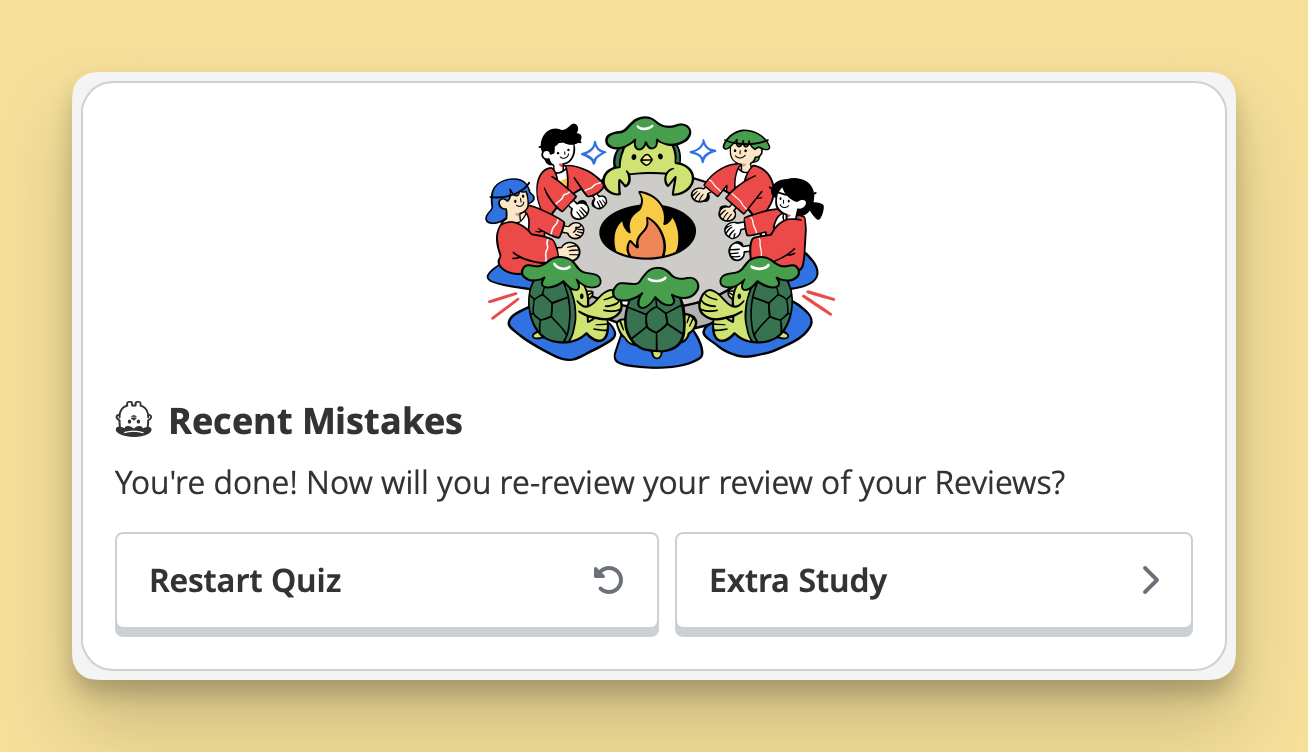
- We added an option to take an “Extra Study” quiz once you have gone through all the cards. This works the same way as the other Recent Mistakes widgets. Calm down, it’s just a button.
Good stuff. I hope all those conveniences help to save three, perhaps even four seconds a day.