

If you’re in the army or just live someplace with an education system that teaches you to count beyond the number twelve, you’ll be happy to hear that a 24-hour clock setting is now available on WaniKani.
Just head on over to your Account Settings, and choose the one you’d like.
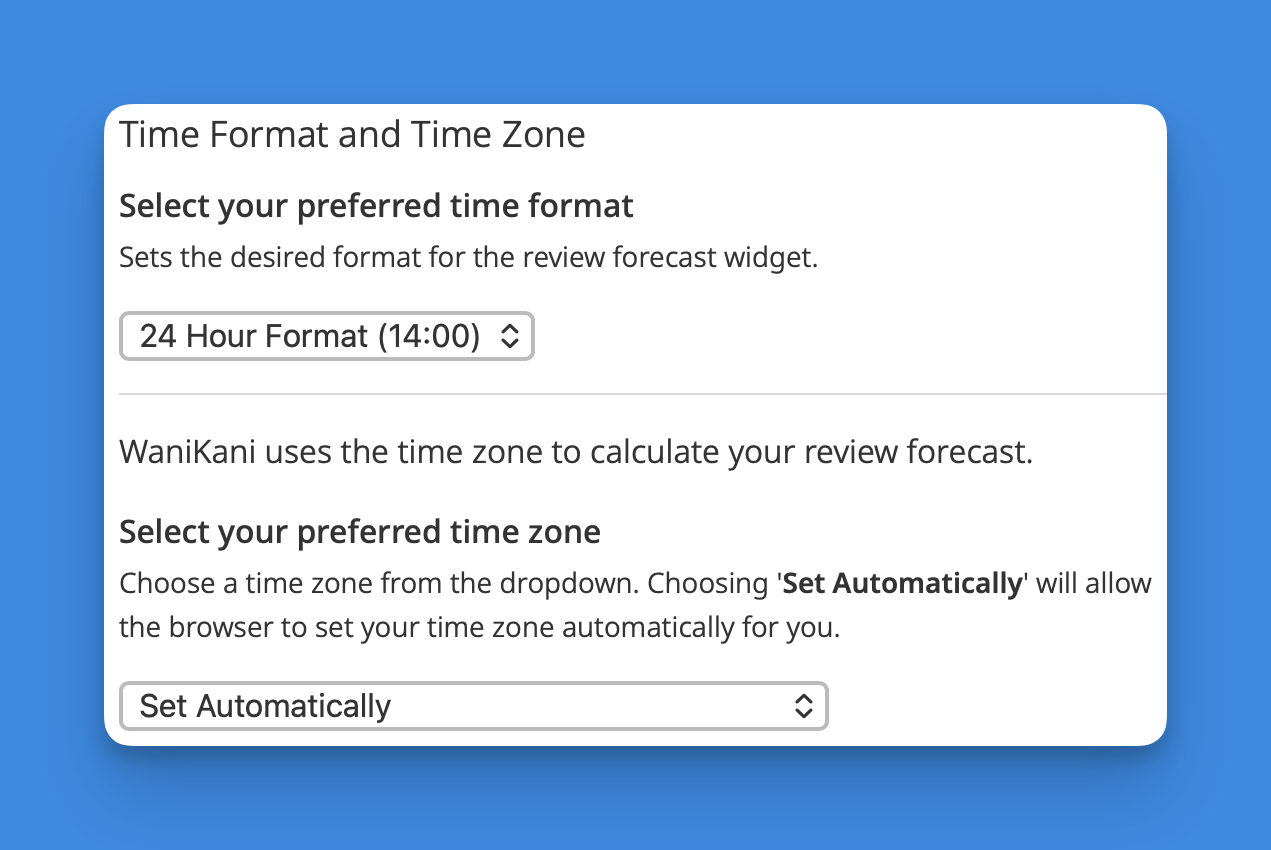
For now, the only thing this setting affects is the formatting of the times used in the Review Forecast widgets.
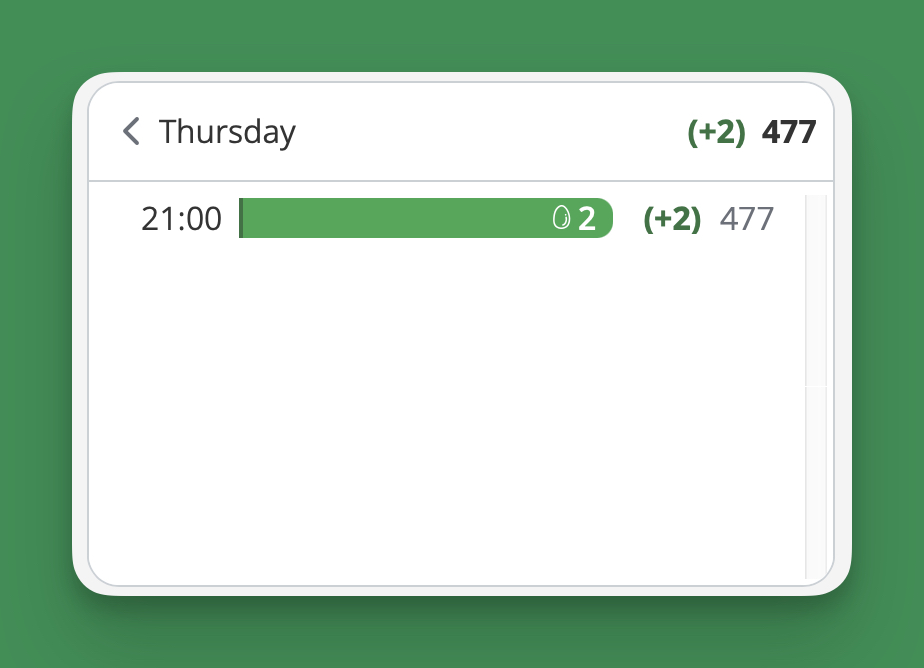
Since it’s an account setting and not a widget setting, we’ll be able to apply your clock settings to anything that displays the time.
Unfortunately, no setting yet to switch your account to metric time—where the day is divided into 1,000 equal units of time—though I know you’re all clamoring for it. I’m with you on that one, but for some reason nobody takes my demands for it seriously.